McTrans Center’s YouTube Page
McTrans Center’s YouTube page provides a diverse set of educational and informative videos freely available for everyone.
Highway Capacity Software 2022
Feedback
HCS User Group
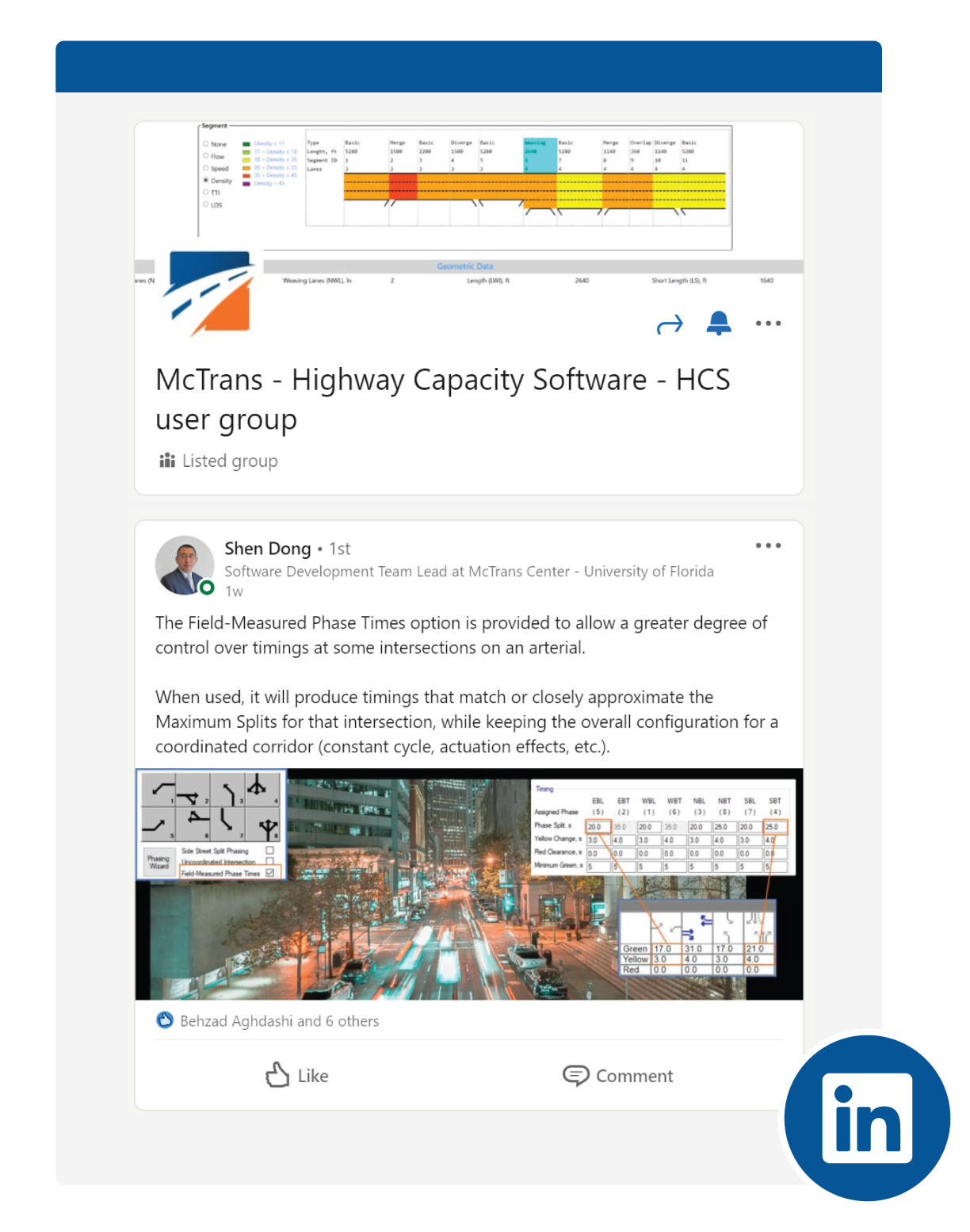
The HCS User Group is a professional group hosted on LinkedIn to directly connect the HCS users. The users are allowed to communicate directly with each other and share their questions and lessons learned while using the HCS tool. You can join this group by clicking here.
HCS User Guide
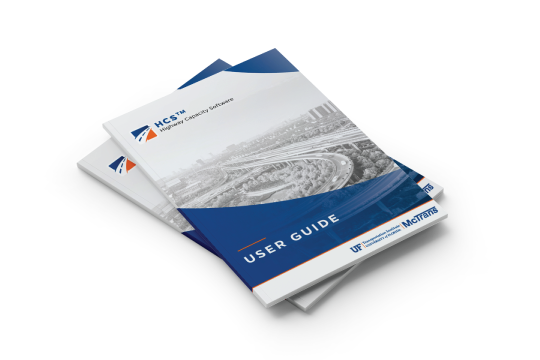
The Highway Capacity Software (HCS) comes with a comprehensive user guide to provide a reliable reference. Details of inputs and outputs are discussed. Moreover, you can find where the parameters are located to adjust/calibrate the analysis. The User Guide is available inside every version of HCS by pressing CTRL+G buttons or accessing through the main menu.
Highway Capacity Manual
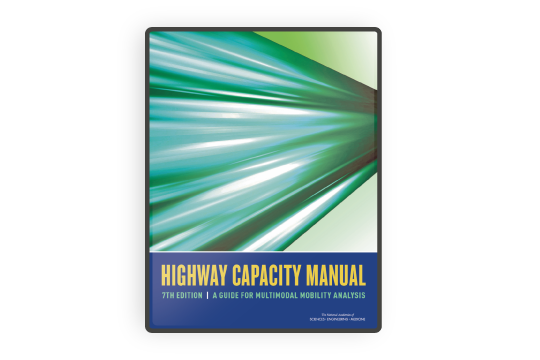
The basis of HCS analysis is the Highway Capacity Manual (HCM) which provides comprehensive detail on every methodology. If theoretical aspects of the capacity analyses are the subject of research and study, please do not forget to consult with this document.
HCS Tips and Hints for Better Traffic Analysis
This section provides practical tips and best practices to help you get better results from your analysis.
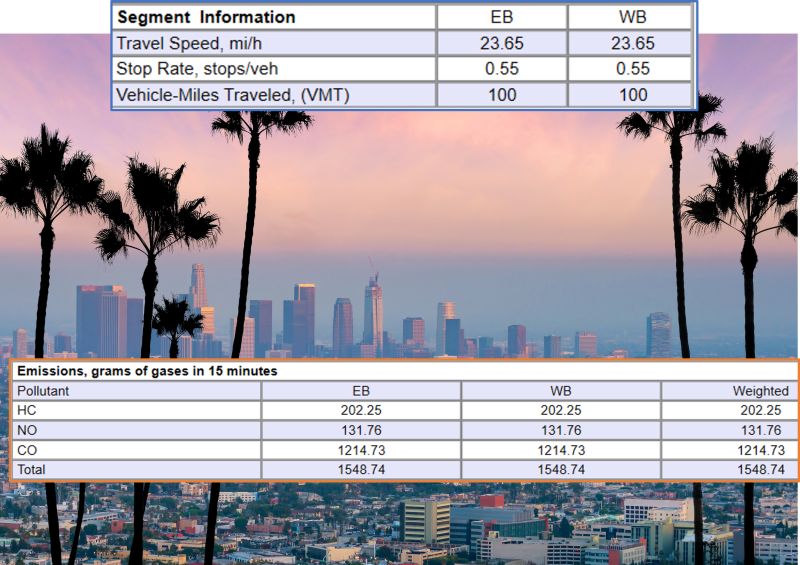
 Emissions Model for Urban Streets


Articles

Planning-level tools for Freeway analyses
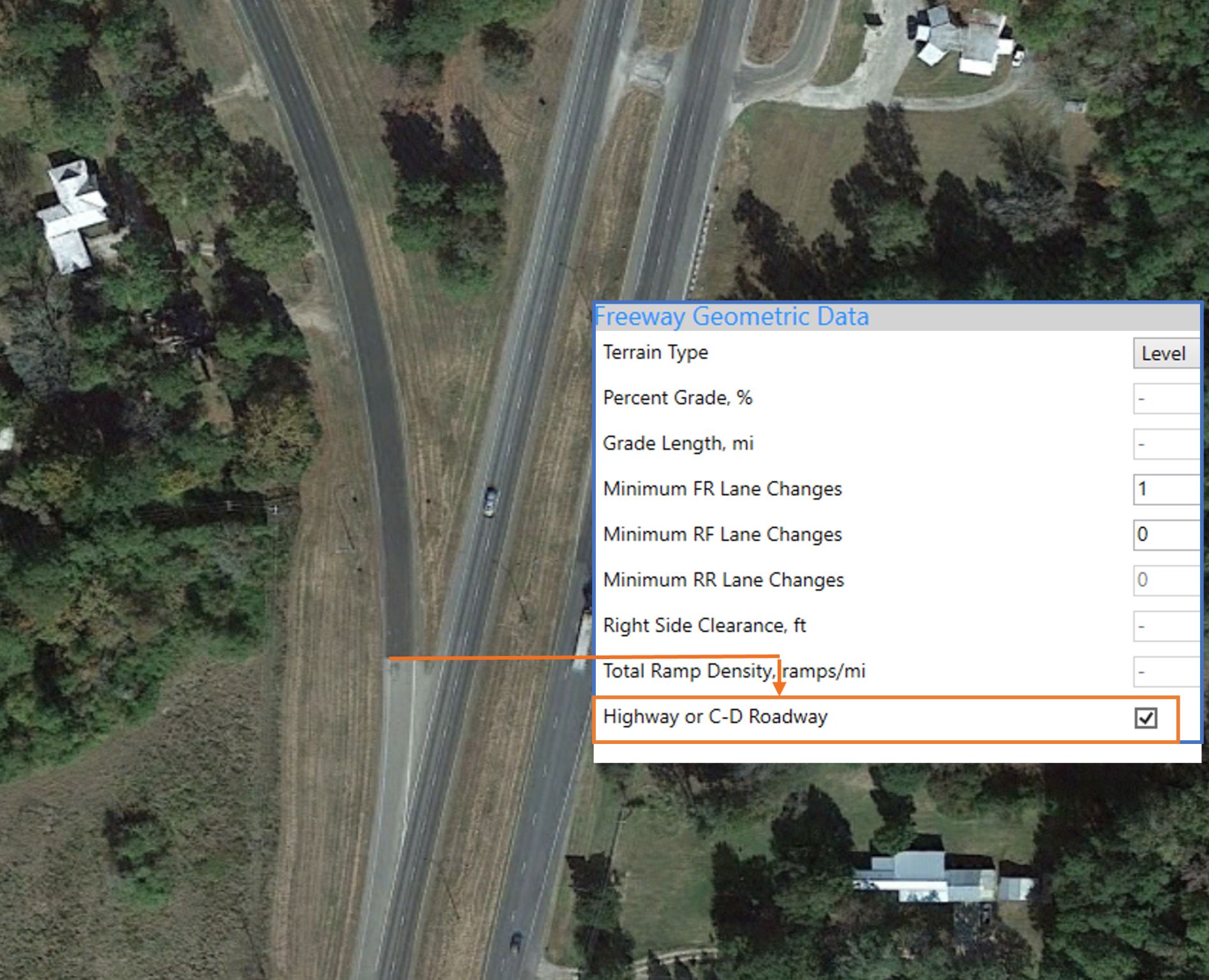
The Highway Capacity Software (HCS) offers planning-level tools to streamline high-level analyses of freeway facilities. In [...]

Evolution of HCM methodologies
The first Highway Capacity Manual was released in 1950 by the Bureau of Public Roads (the [...]

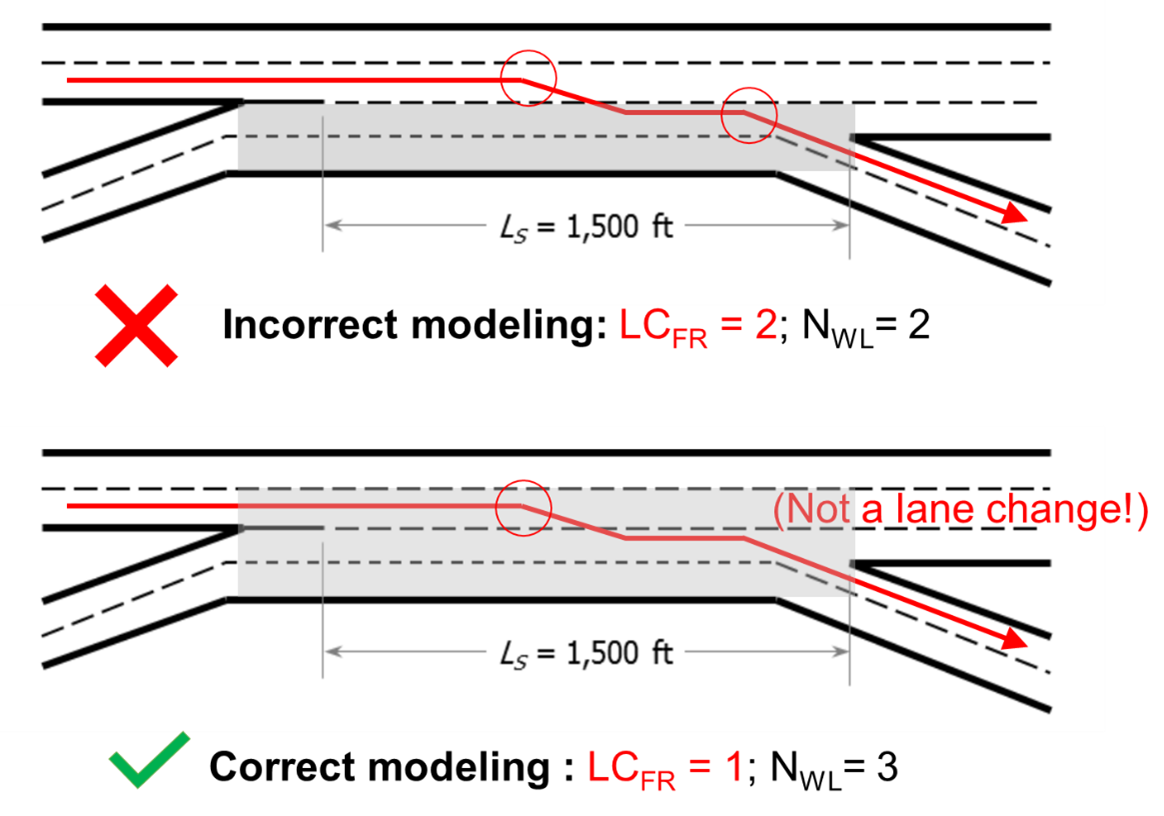
Modeling Freeway Acceleration and Deceleration Lanes – Am I Doing it Right?
Acceleration and deceleration lanes are crucial elements in freeway ramps, as they facilitate transitions in vehicle [...]