TRANSYT-7F™ (T7F™)
A powerful macroscopic simulation tool that combines a state-of-the-art optimization process
United States Version
Features
State-of-the-art Optimization Process
Genetic algorithm to optimize cycle length, phasing sequence, splits, and offsets for multi-period analysis
Learn More >
Integration with HCS and TSIS-CORSIM
Tool embedded and accessible from the Highway Capacity Software (HCS) and TSIS-CORSIM multi-period analysis
Learn More >
Macroscopic Simulation of Traffic Flow
Model platoon dispersion, queue spillback, and actuated control simulation multi-period analysis
Learn More >
State-of-the-art Optimization Process
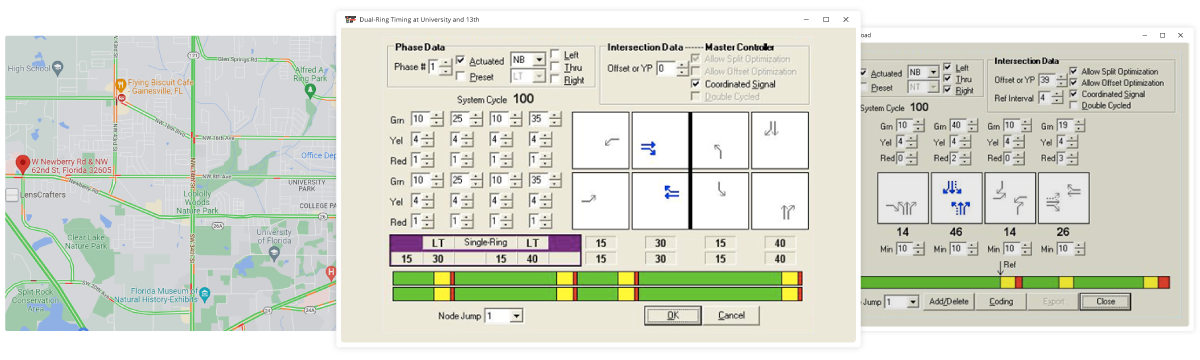
TRANSYT-7F features genetic algorithm optimization of cycle length, phasing sequence, splits, and offsets. The genetic algorithm can avoid becoming trapped in a “local optimum” solution and is designed to locate the “global optimum” solution. The hill-climb optimization option is also available within the software to quickly obtain a reasonable and effective timing plan. The genetic algorithm allows advanced searches that the hill-climb method cannot handle, such as phasing sequence optimization, multi-period optimization, grouped node optimization, uncoordinated optimization, and direct export of signal timings for CORSIM simulation.
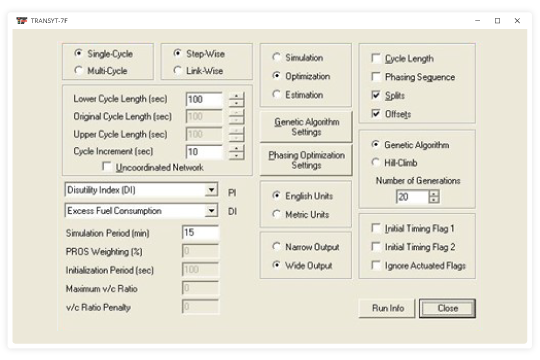
The genetic algorithm is a random guided search, capable of intelligently tracking down the global optimum solution. As in evolution, the weakest candidates are eliminated from the gene pool, and each successive generation of individuals contains stronger and stronger characteristics. It’s survival of the fittest, and the unique crossover and mutation processes conspire to keep the species as strong as possible.
The genetic algorithm tends to require longer running times on the computer when compared to other optimization techniques. However, the genetic algorithm can be customized by specifying the “number of generations.” To quickly obtain a reasonable timing plan, specify a small number of generations. To get the global optimum solution, set a large number of generations.
Integration with Highway Capacity Software (HCS) and TSIS-CORSIM
Importing HCS Data
Highway Capacity Software (HCS) data files can be loaded directly into TRANSYT-7F, available in or *.XUS (XML) format.
There are two possible methods for loading HCS files into TRANSYT-7F:
The first method involves loading an HCS file by selecting File > Open from TRANSYT-7F. This procedure will automatically generate a corresponding TRANSYT-7F data file for the HCS intersection(s).
The second method involves appending HCS intersection data to an existing TRANSYT-7F (*.TIN) input file. First, open the existing TIN file with TRANSYT-7F. Next, select File > Open and open an existing file of type *.XUS, which will enable the “New Node Number” dialog box. After choosing the new node number, the latest data will automatically be added to the TIN file.
Importing CORSIM Data
TRANSYT-7F can now import any CORSIM file that contains a signalized intersection. The following CORSIM data can be imported:
- Pre-timed intersections
- Semi-actuated intersections
- Fully-actuated intersections
- Two-way stop-controlled (TWSC) intersections
The user can choose whether or not to import fully-actuated intersections and TWSC intersections.
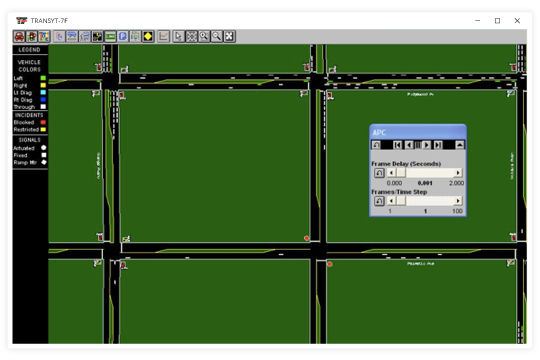
Macroscopic Simulation of Traffic Flow
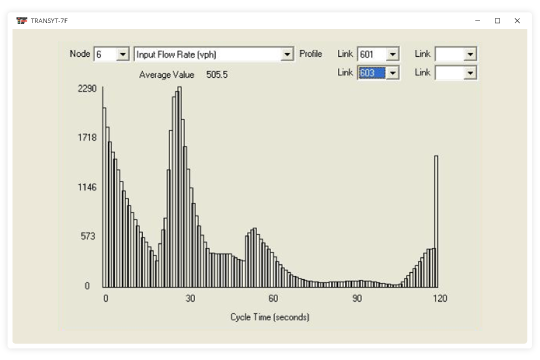
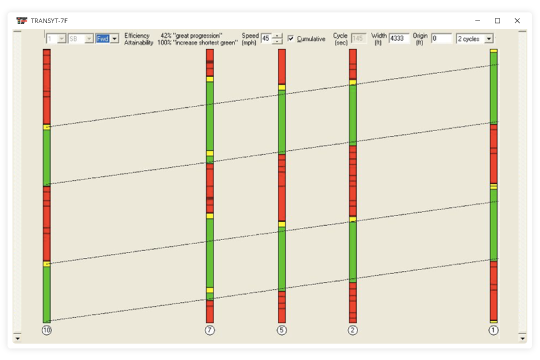
TRANSYT-7F contains a powerful macroscopic simulation engine that allows for detailed analysis and optimization of platoon progression, actuated control, and queue spillback. The user can view flow profiles and queue length profiles for any traffic movement, cycle length, and time period.