Traffic Software Integrated System – Corridor Simulation
TSIS-CORSIM
Traffic Software Integrated System – Corridor Simulation
TSIS is an integrated modeling environment that enables users to conduct traffic operations analysis. Built using a component architecture, TSIS is a toolbox that allows the user to define and manage traffic analysis projects, model traffic networks, create inputs for traffic simulation analysis, run traffic simulation, and interpret the results of those models.
CORSIM is a microscopic traffic simulation capable of modeling surface streets, freeways, highways, and integrated networks, including segments, weaves, merge/diverges, and intersection:stop/yield sign, traffic signals. It simulates traffic and traffic control systems using research-backed and established vehicle and driver behavior models.
According to the Federal Highway Administration (FHWA), TSIS-CORSIM has been used by FHWA for conducting research and applied by thousands of practitioners and researchers worldwide over the past 30 years, embodying a wealth of experience and maturity. Volume 4 of the Traffic Analysis Toolbox (CORSIM Application Guidelines) is available on the FHWA traffic analysis tools home page
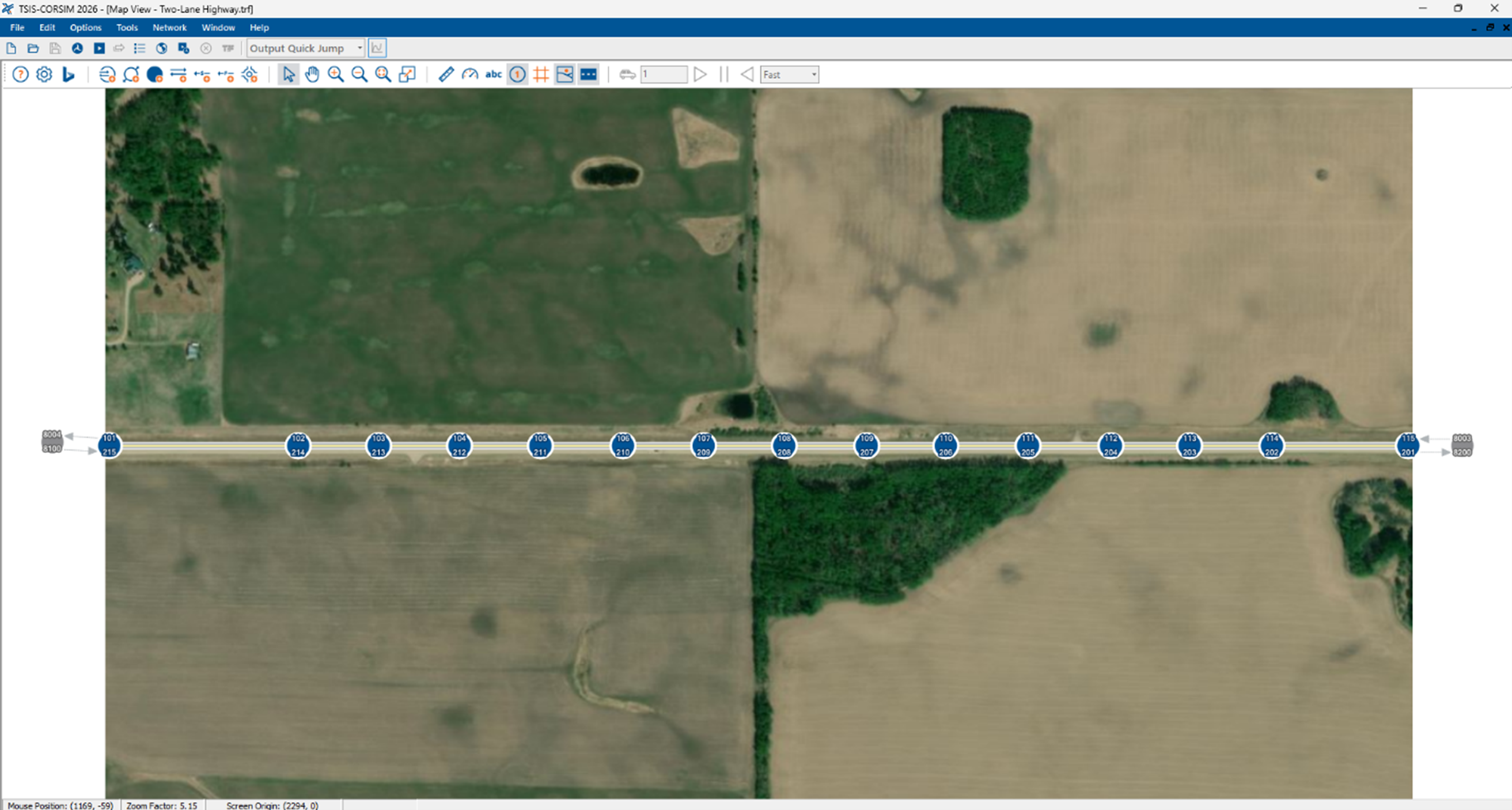
TSIS-CORSIM 2026
New Version
TSIS-CORSIM 2026 introduces a new convert to quickly export a Two-Lane Highway facility, modeled in HCS, to TSIS-CORSIM.
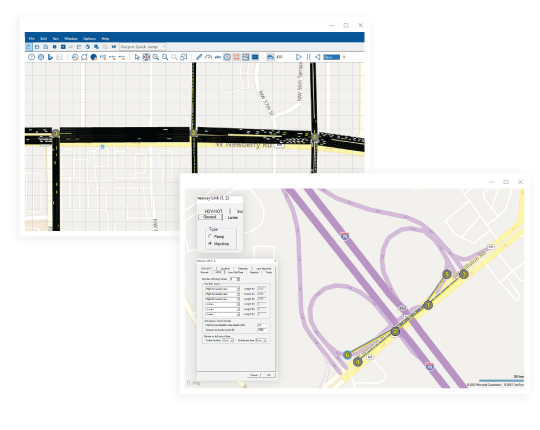
Examples of TSIS-CORSIM Applications
TSIS-CORSIM can model from simple to semi-complex facilities, networks, and their interactions, including:
- Urban street grid
- Spatial and temporal effects of congestion
- Interactions between multiple freeways and urban streets networks
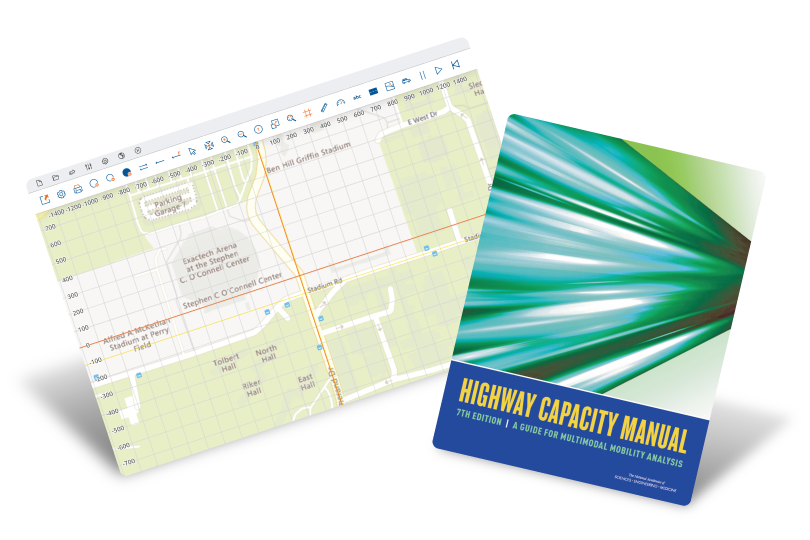
- Alternative intersections, beyond configurations covered in the HCM
- Travel demand tools, including OD matrix estimation and dynamic traffic assignment – DTA
- Interruptions to traffic flow (e.g., rail crossing)
- Effects of incidents, work zones and other lane closures on freeways and arterials
- Active Traffic Management analyses for arterials and freeways (e.g., ramp metering)
- Managed lanes including High Occupancy Vehicles (HOV), High Occupancy Toll (HOT) lanes and toll plaza
- Signal Timing Optimization in conjunction with TRANSYT-7F (included in TSIS) and HCS algorithms
Microscopic Traffic Simulation
CORSIM is a microscopic traffic simulation tool, which replicates driver behavior and the interaction between vehicles individually in small time steps within a model network. In a microsimulation tool, many parameters are stochastic and realistic, and the tool can simulate the interaction between different network elements, such as urban arterials and freeways.

Technical Support
We pride ourselves on providing support to our customers in an individualized way. Our customers only need to let us know their questions or where they stopped in their analyses, and the McTrans experts will get back to them to connect and offer suggestions and answers to questions. McTrans currently has an engineering team of half a dozen engineering experts. Some serve at the TRB Committee on Highway Capacity and Quality of Service and are highly involved with TRB simulation committees and ITE SimCap. Some have devoted more than a decade modeling demand and traffic for engineering consultancy and national-level research projects.
Contact us via email at mctrans@ce.ufl.edu or call us at 800-226-1013.